
Installing Virtual Cockpit at Home: Can You Do It Yourself?
Find out whether you can install Virtual Cockpit at home, what tools you need, and how to connect it, transfer the original electronics, and check its functions.
Yes, you can install Virtual Cockpit at home. Installation does not require coding, key programming, or mileage adjustment. The electronics from the original instrument cluster are transferred to the new Virtual Cockpit, the original connectors are plugged in, and the completed cluster is fitted back into the vehicle.
The main difference between vehicles is the mechanical part of the installation. On some models, you only need to remove the trim and a few screws. Others require more dashboard components to be loosened or the inner trim to be slightly modified so the new cluster fits precisely. However, the electrical principle remains the same.
Whether you can complete the installation at home therefore mainly depends on your practical skills. If you have replaced a car stereo, removed interior trim, or worked with vehicle connectors before, the process should not be a problem. We supply the necessary tools and vehicle-specific instructions with Virtual Cockpit.

What Actually Changes During Installation
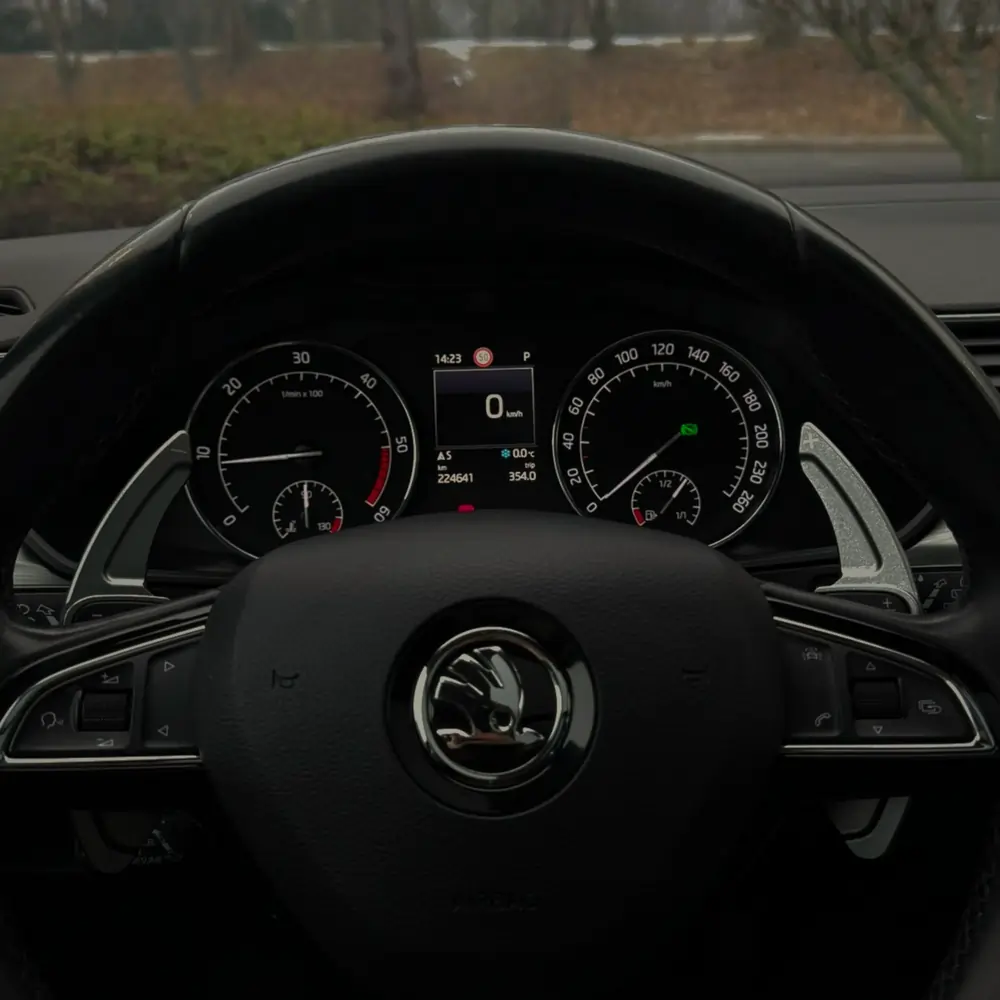
Virtual Cockpit is not another control unit that needs to be paired with the vehicle again. The installation is based on transferring the original electronics from the analogue gauges to the new digital cluster. This means the vehicle retains its original electronics and the data stored in them.
In practice, this means the mileage, identification data, immobiliser, and paired keys are all retained after installation. None of them need to be set up again. No online unlocking, programming, or additional vehicle coding is performed.
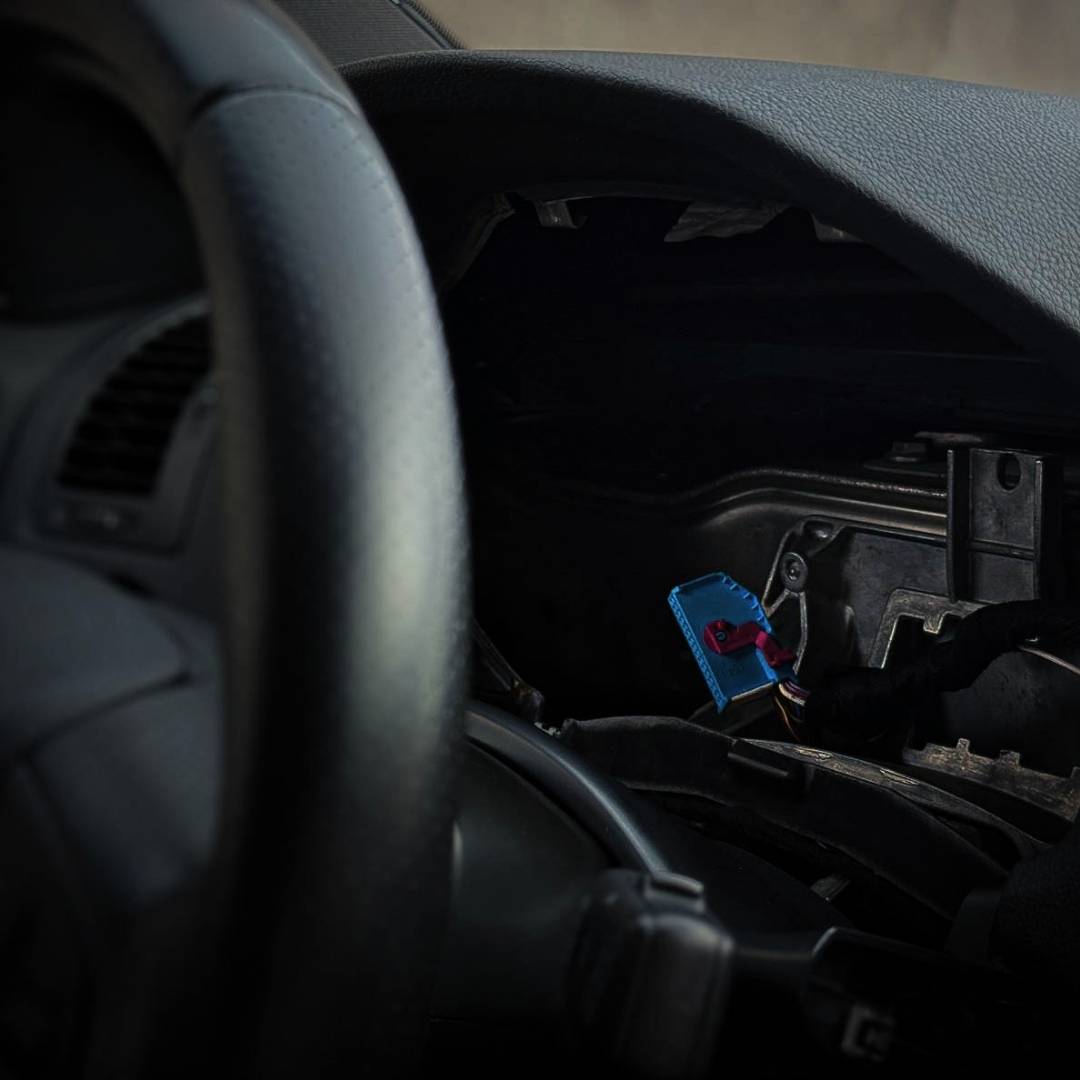
The original wiring is not cut, and no improvised connections are made. Virtual Cockpit connects to the vehicle’s original connectors. If a particular solution includes an additional wiring harness, it will be supplied ready to use with the cluster.
Installation Step by Step
The exact shape of the covers and the number of screws vary by vehicle model, but the process always follows the same basic sequence.
- Remove the trim around the instrument cluster. Depending on the vehicle, the trim is secured with screws, plastic clips, or a combination of both.
- Remove the original instrument cluster. Once the mounting screws have been released, slide the cluster out of the dashboard and disconnect the original connector.
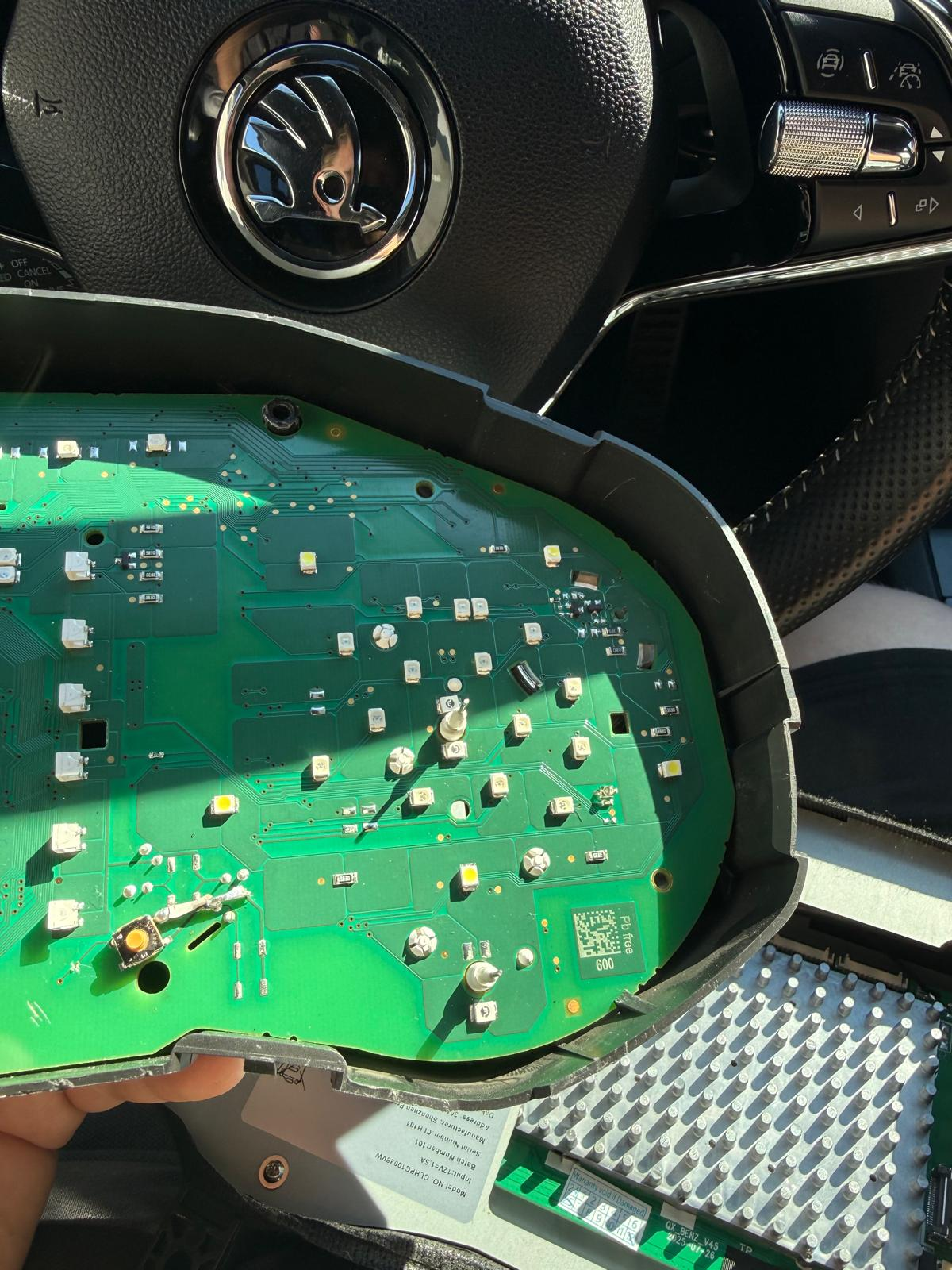
- Open the original gauge cluster. Remove the original electronic circuit board from its housing. The gauges and needles are not transferred; only the electronics specified in the instructions are used.
- Install the electronics in Virtual Cockpit. The new cluster is prepared for their installation. Place the board in the designated position and connect it according to the supplied procedure.
- Connect and test Virtual Cockpit. Before fully reassembling the dashboard, check the display, vehicle data, warning lights, and controls.
- Secure the cluster and reinstall the trim. If the specific model requires a slight modification to the inner trim, complete it before final installation.
Why No Coding or Programming Is Required
When replacing the original gauge cluster with another used unit, the immobiliser, mileage, and vehicle identification can cause problems. This does not happen with our Virtual Cockpit because it does not use electronics from another vehicle. The electronics from your original gauge cluster are transferred into the digital cluster.
The car retains its original data, and the keys continue to work. There is no need to connect the vehicle for online programming, change the mileage, or code a new instrument cluster. Once the electronics have been transferred correctly and the connectors plugged in, the cluster is ready to use.
Diagnostics can be used for a routine vehicle check, but they are not required to install or activate Virtual Cockpit.
How Installation Differs Between Vehicles
The easiest vehicles are those where the instrument cluster trim can be released directly and the cluster removed after undoing a few screws. In these cars, most of the work involves transferring the electronics and then checking the functions.
Access to the instrument cluster is tighter on some models. More trim pieces may need to be removed, or the inner part of the trim may require slight modification. This is a mechanical adjustment to a concealed section, giving the new display enough room to fit in the dashboard without being under stress. From the driver’s perspective, the finished result remains clean, and the cluster looks like a natural part of the interior.
The difference in difficulty is therefore unrelated to electronics, coding, or compatibility. It depends on how the manufacturer designed access to the original instrument cluster and how much space is available behind the trim.
What You Receive with Virtual Cockpit
You do not need a professionally equipped workshop for home installation. The package includes the tools required to disassemble the original cluster and install the new one. It also includes instructions matched to the ordered product and the specific vehicle.
You only need to prepare a space where you can safely place the removed components and original electronics. Patience is particularly important. Release plastic trim pieces gradually, and disconnect connectors using their locking tabs rather than pulling on the wires.
If you reach a step during installation that is unclear, you can send us a photo or short video. We can guide you before you continue.
What to Check Before Final Reassembly
After transferring the electronics, connect Virtual Cockpit and switch on the ignition. Reinstall the trim and other covers only after completing a basic function check.
- the cluster starts correctly when switched on,
- it displays the original mileage,
- the rev counter, speedometer, fuel level, and temperature work,
- the indicators, lights, and warning lights are displayed,
- the cluster responds when doors are opened and displays other available vehicle data,
- controls work via the multifunction steering wheel, stalk, or supplied controller,
- the display layout and brightness can be adjusted.
The range of displayed data depends on the equipment fitted to the specific vehicle. Virtual Cockpit uses the information the car sends over its data bus. If the vehicle does not have a particular function, the digital cluster itself cannot add it.
CarPlay and Android Auto After Installation
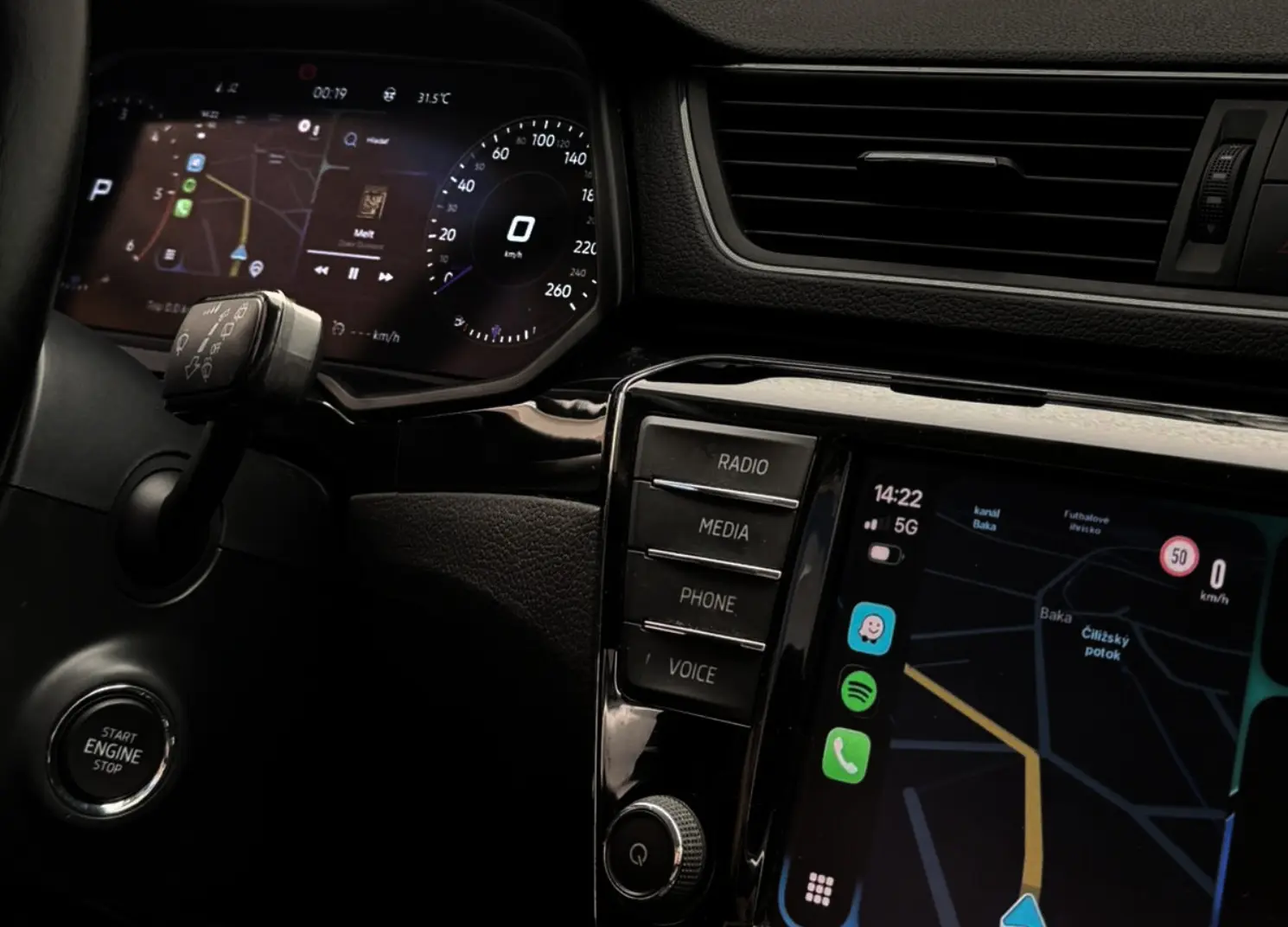
Virtual Cockpit has its own wireless Apple CarPlay and Android Auto. Your phone can connect directly to the instrument cluster, allowing navigation and media to be displayed in front of the driver, even in a vehicle that did not originally have this feature.
MirrorBox is a separate solution for customers who already use CarPlay or Android Auto on a compatible stereo and want to show the same image on Virtual Cockpit. The phone does not create two independent sessions at the same time. MirrorBox transfers the image from the existing stereo session to the digital cluster.
Can I Install It at Home?
If you can use standard hand tools, carefully remove interior trim, and follow instructions, you can install Virtual Cockpit at home. You do not need to understand control-unit programming or own diagnostic equipment.
In simpler vehicles, it is a straightforward replacement. Models with more complicated access require more disassembly or a slight trim modification. However, this is still mechanical work rather than a change to the vehicle’s software.
If you are not comfortable transferring the electronics or dismantling the dashboard, we can arrange a complete installation at our premises or through an installation partner. Professional installation is not required for the product to work. It is simply a more convenient option for anyone who does not want to do this work themselves.
Frequently Asked Questions Before Home Installation
Does the mileage need to be set after installation?
No. The vehicle’s original electronics are transferred, so the mileage is retained.
Do the keys or immobiliser need to be programmed?
No. The keys and immobiliser do not need to be paired again.
Is coding or an online connection required?
No. Virtual Cockpit is not coded or programmed after the electronics are transferred.
Does the original wiring need to be cut?
No. The cluster connects through the original connectors and the supplied wiring harness.
What determines installation difficulty?
The dashboard design and the experience of the person performing the installation. In some cars, the cluster is very easy to access; in others, more components must be removed or the trim slightly modified.
Conclusion
Home installation of Virtual Cockpit is possible in all supported vehicles. It does not involve coding, programming, or mileage adjustment. The electronics are transferred from the original gauge cluster, the new cluster is connected to the original connectors, and it is installed in the dashboard after its functions have been checked.
The difficulty depends on the specific car and your practical skills. In some vehicles, replacement is very simple; in others, it takes longer because of more complicated disassembly or trim modification. In both cases, you receive the necessary tools, instructions, and technical support during installation.